Wedding Seating Chart App: How Guests Find Their Own Table

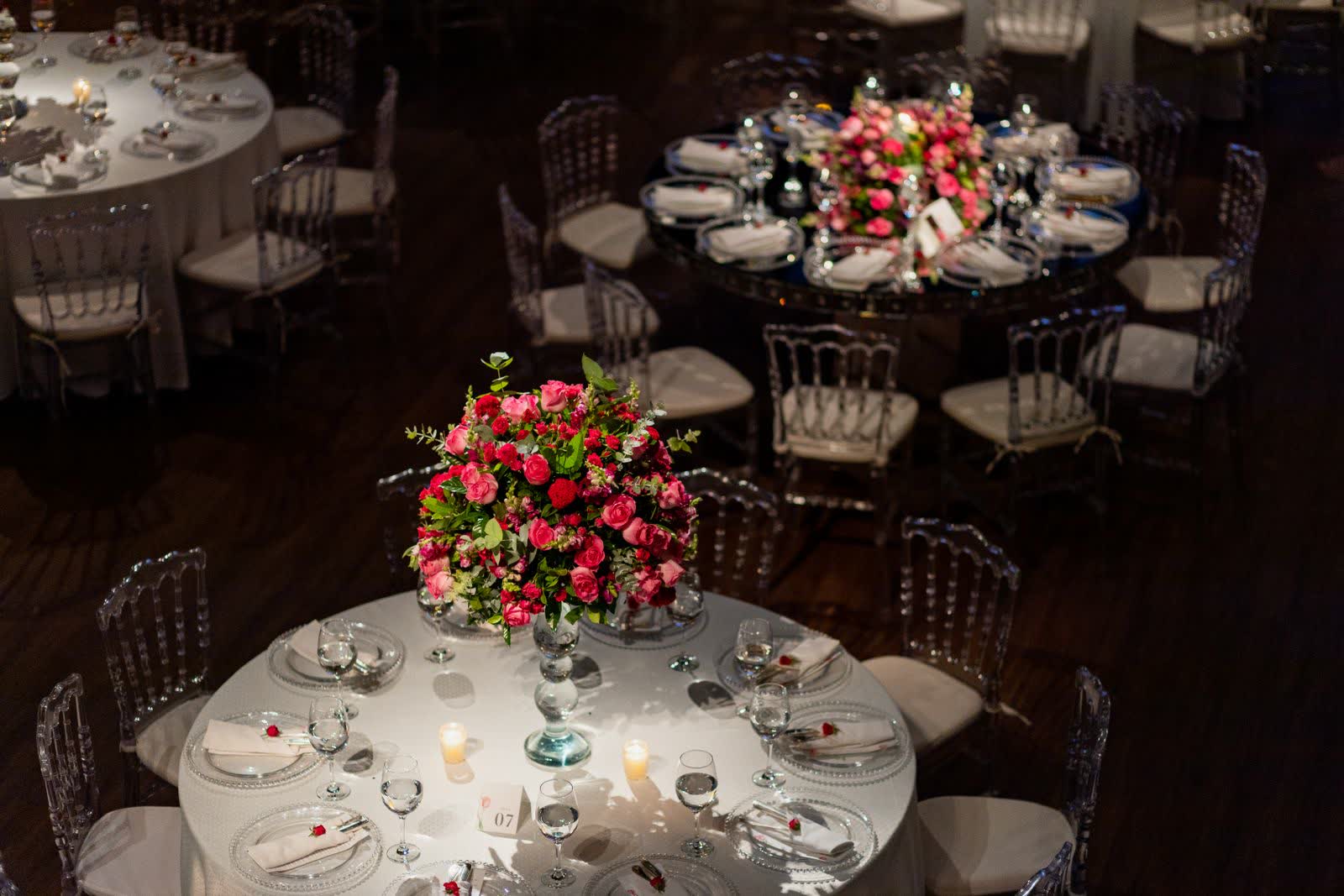
A wedding seating chart app lets guests find their own table on their phone. They type their name and see their table number, plus who else is sitting with them, in seconds. A digital wedding seating chart also means no reprinting a board because two guests swapped tables that morning. What decides whether it works is not the software, it is whether the names in your list match the names your guests will actually type.
What a wedding seating chart app actually does
Two separate jobs hide inside the phrase, and most tools only do one.
Building the chart. You create tables, drag guests onto them, and end up with a finished plan. Almost every free tool does this, including the builders from Zola and WeddingWire. Their output is a file you download and print. That chart is for you and your venue.
Guest lookup on the day. A guest scans a code, types their name, and gets an answer that reflects whatever the list says at that moment. That chart is for your guests.
A builder ending at “download PDF” has solved your planning problem and left guests with the same crowded board. When you compare options, work out which half each one is really selling you.
Seating chart, escort cards and place cards
These get used interchangeably and are not the same, which is how couples buy two of them and still miss the one they needed.
| What it is | Where it lives | What it tells a guest |
|---|---|---|
| Seating plan | One display at the entrance | Which table you are on |
| Escort card | Individual cards at the entrance | Which table you are on, in your hand |
| Place card | On the table, at a setting | Which seat is yours |
| Table number or name | On the table itself | Which table this one is |
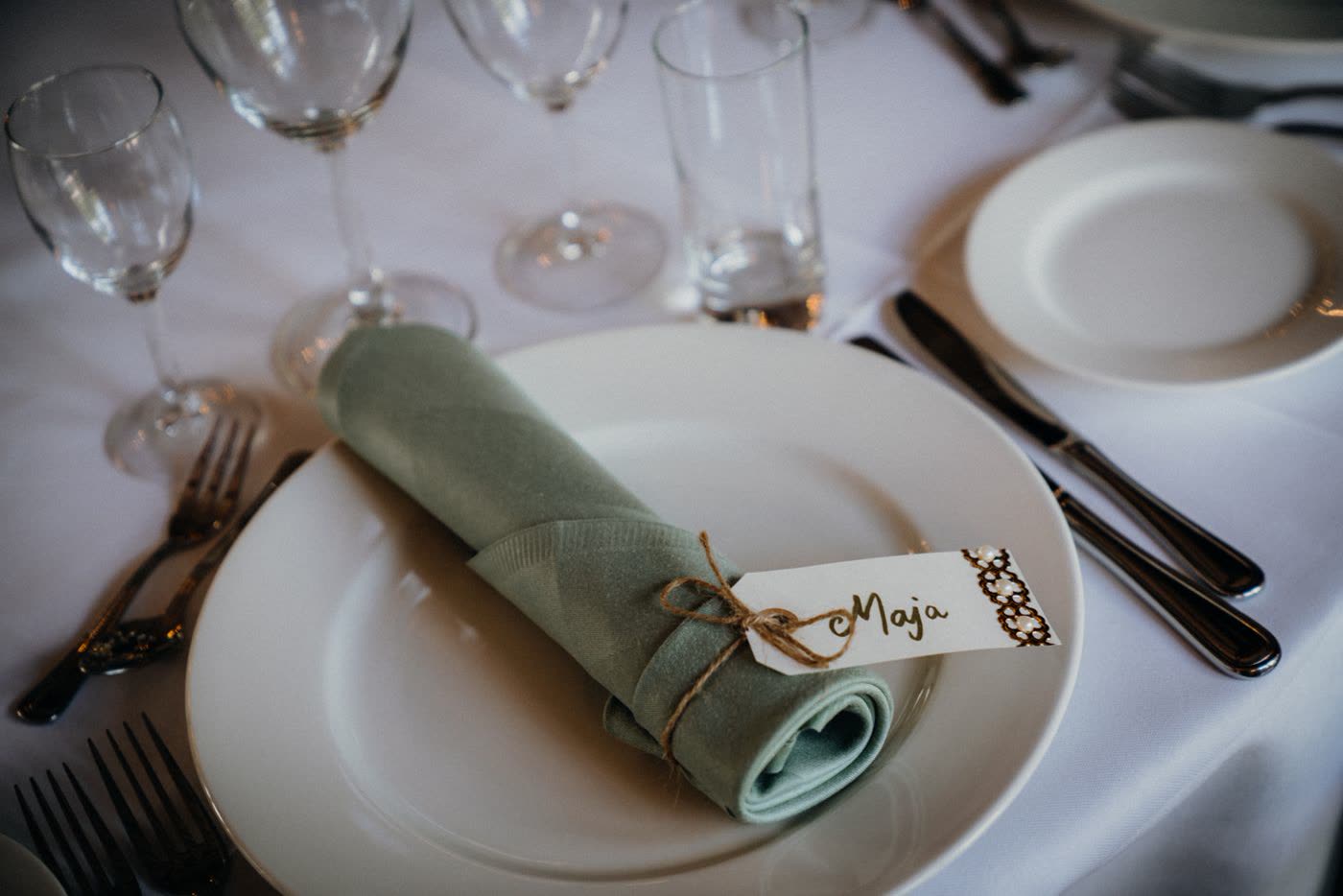
An app replaces the first two. It does not replace the last two: if you assign exact seats you still need place cards, and “table 6” is useless if the tables are not labelled. Those are the pieces people forget when they assume digital covers everything.
Printed plan or phone lookup
A printed plan photographs beautifully and struggles at the door. Forty guests arriving at once all read the same board in whatever light the entrance has, and the people who have found their table are leaving through the people still arriving.
| What matters | Printed plan | Phone lookup |
|---|---|---|
| Finding your table | Scan a crowded board | Type your name |
| Late changes | Reprint, or cross out by hand | Edit the list, live immediately |
| Readability | Depends on entrance lighting | Full size on their own screen |
| Who else is at my table | Not shown | Listed with the result |
| A decor piece | Yes | No |
Neither fully replaces the other. Plenty of couples keep a designed board for photos and let the digital version do the actual work.
What guests do on the night
Two details do most of the work.
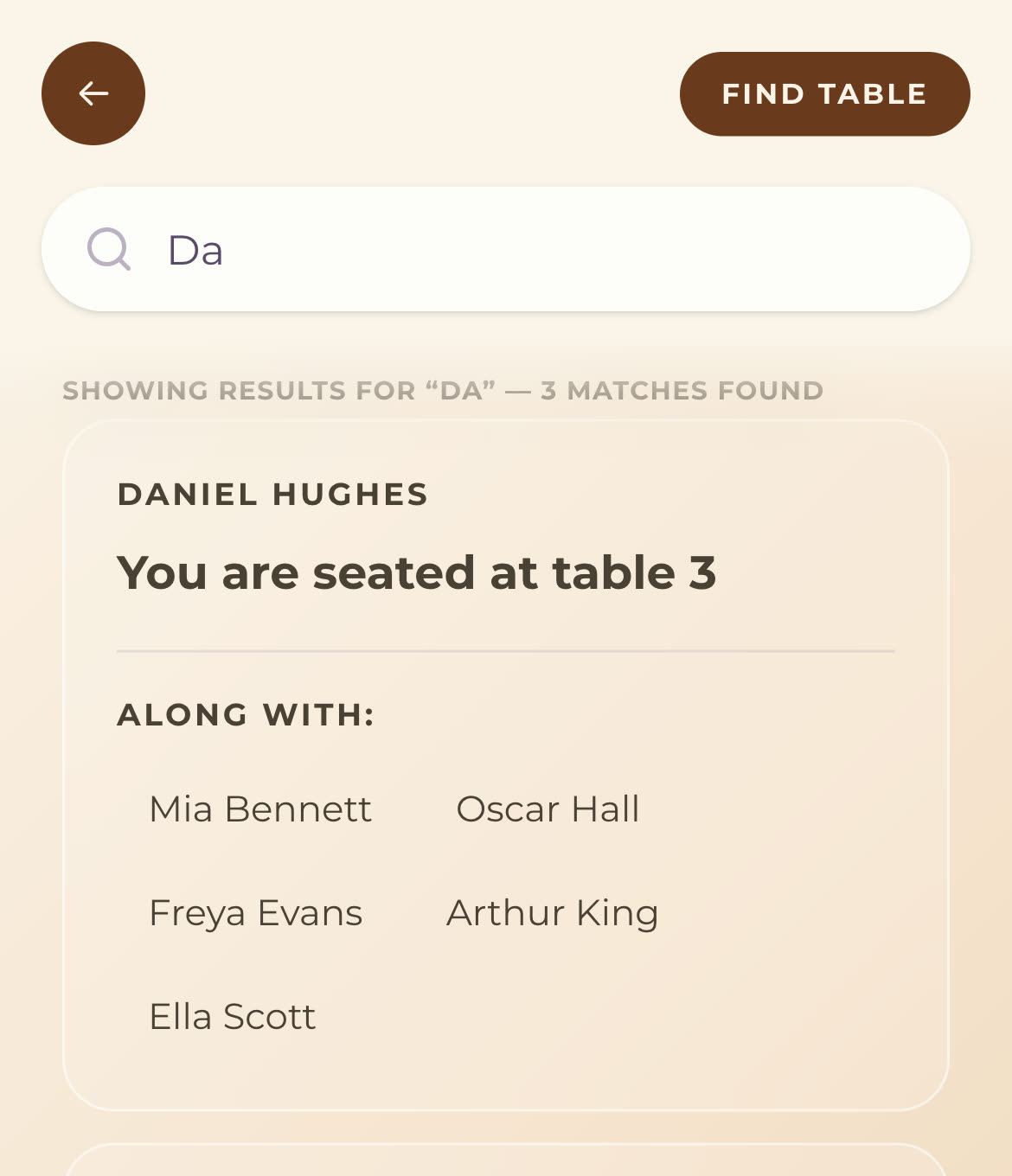
Partial matching. Good lookup searches as you type and matches anywhere in the name, so three letters is enough. Guests are standing up holding a drink, typing one-handed.
The tablemates list. The table number is what they asked for. Who else is on that table is what they wanted, and it is the part a printed board cannot give without reading the whole thing.
Because it is a live list, moving someone the morning of the wedding takes a few taps. Most couples’ seating shifts right up until the day, so the real advantage is a chart that is never final until you say so. It also helps the evening: the move from cocktails to dinner seats is where most reception timelines first fall behind.
The same live-list argument applies to what is on the plate once they sit down, which is covered in our guide to digital wedding menus and dietary information.
Get your guest list right before you import it
This is the part nobody writes about and the most common reason lookup fails on the night. The app works. The name does not match.
Your list was built for invitations, so it holds formal names, household groupings and titles. Guests type whatever they call themselves.
| What your list says | What the guest types | Result |
|---|---|---|
| Robert Hughes | Bob | No match |
| Mr & Mrs J Patel | Priya | No match |
| Amara Nwosu + guest | Daniel Reyes | No match, and he is standing there |
| Sarah Mitchell (married last year) | Sarah Okonkwo | No match |
| José Álvarez | Jose Alvarez | Depends on the tool |
| James Brown, and also James Brown | James | Two results, no way to tell them apart |
Five fixes, ten minutes now:
- Store the name they answer to. “Robert (Bob) Hughes” matches both. Formality belongs on the invitation.
- One row per person. “Mr & Mrs Patel” is one row two people will search by their own first names.
- Collect plus-one names at RSVP. A plus-one stored as “+ guest” cannot find their table.
- Use current surnames, not the ones from when you built the list.
- Separate duplicates, even if it is only “James Brown (Anna’s brother)”.
Do it as one pass down a column before you import, not row by row as problems surface.
What it costs
UK prices, checked August 2026.
| Option | Typical cost | A late change costs |
|---|---|---|
| Designed printed seating plan | £40 to £60, over £100 for larger or bespoke boards | A reprint |
| Individual plan or escort cards | From about £8 a set, plus your time writing them | Reprinting the affected cards |
| Standalone seating app, free tier | Free, usually capped at 30 to 50 guests | Nothing |
| Standalone seating app, paid | $10 to $60 per event, around $169 lifetime (US vendors, so add currency conversion) | Nothing |
| Seating in your event page | No separate cost | Nothing |
The column that decides it is the last one. A printed plan is not expensive. A printed plan that has to be right first time is, and that cost never appears in the budget because the reprint is a favour someone does at 9am on the wedding morning.
Setting it up, and who does what
Build the table structure three to four weeks out, import names one to two weeks out, and leave the final week for moves. Importing earlier does not help while RSVPs are still landing. For the sign at the entrance, the sizing and placement rules are in the QR code setup guide; the one thing specific to seating is that it goes where the queue would have formed, a metre or two before the doorway.
Three other people need the same information in a different shape:
- The caterer needs counts per table and which meal goes where, days ahead.
- Whoever is on the microphone needs to know where the parents and head table sit.
- Your coordinator should have one printed alphabetical list at the door, because a dead phone still belongs to someone who needs a table.
So freeze anything vendor-facing about 48 hours out and let only the guest-facing chart stay live. And pick one person to make the edits in that final week: a live chart’s advantage is that the last edit wins, which is also its only risk once three people are changing it. After the last change, search two or three names yourself. A wrong table looks exactly like a right one until someone sits down at it.
Quick answers
Do guests need to download an app to find their table? No, they open the event page in their phone’s browser from a QR code or link and search their name.
Is there a free wedding seating chart app? Yes, several, though free tiers usually cap the guest count around 30 to 50. Seating built into an event page is typically included rather than priced separately.
Do guests need mobile signal at the venue? Yes, the lookup is a web page. If signal is weak, put the wifi password on the same sign as the code and keep a printed list at the door.
What happens if we move someone the morning of the wedding? Update the assignment and it is live immediately. The next guest who searches sees the current table.
What if two guests have the same name? Both appear with no way to tell them apart, so add something distinguishing to the name field before the day.
Can we still have a printed seating plan too? Yes. Many couples keep a designed board as a decor piece and let the digital version be what guests actually use.
How do we get our guest list in? Import a CSV with table number, table name and each guest’s first and last name, splitting household rows into one row per person first.
The checklist
| When | What to do |
|---|---|
| 6-8 weeks | Ask for each plus-one’s name on your RSVP form |
| 3-4 weeks | Finalise table count and build the table structure |
| 2 weeks | Clean the name column: nicknames, current surnames, one row per person |
| 1-2 weeks | Import, then search a few names yourself to check they resolve |
| 48 hours | Send final counts to the caterer, then freeze vendor-facing changes |
| Up to the day | Move anyone who needs moving, one person making the edits |
| Day of | Sign in place before the queue forms, printed list at the door, numbers on the tables |
Get the names right and keep the list live until the day, and nobody has to ask which table they are at.