How to Build a Wedding Playlist Your Guests Actually Dance To

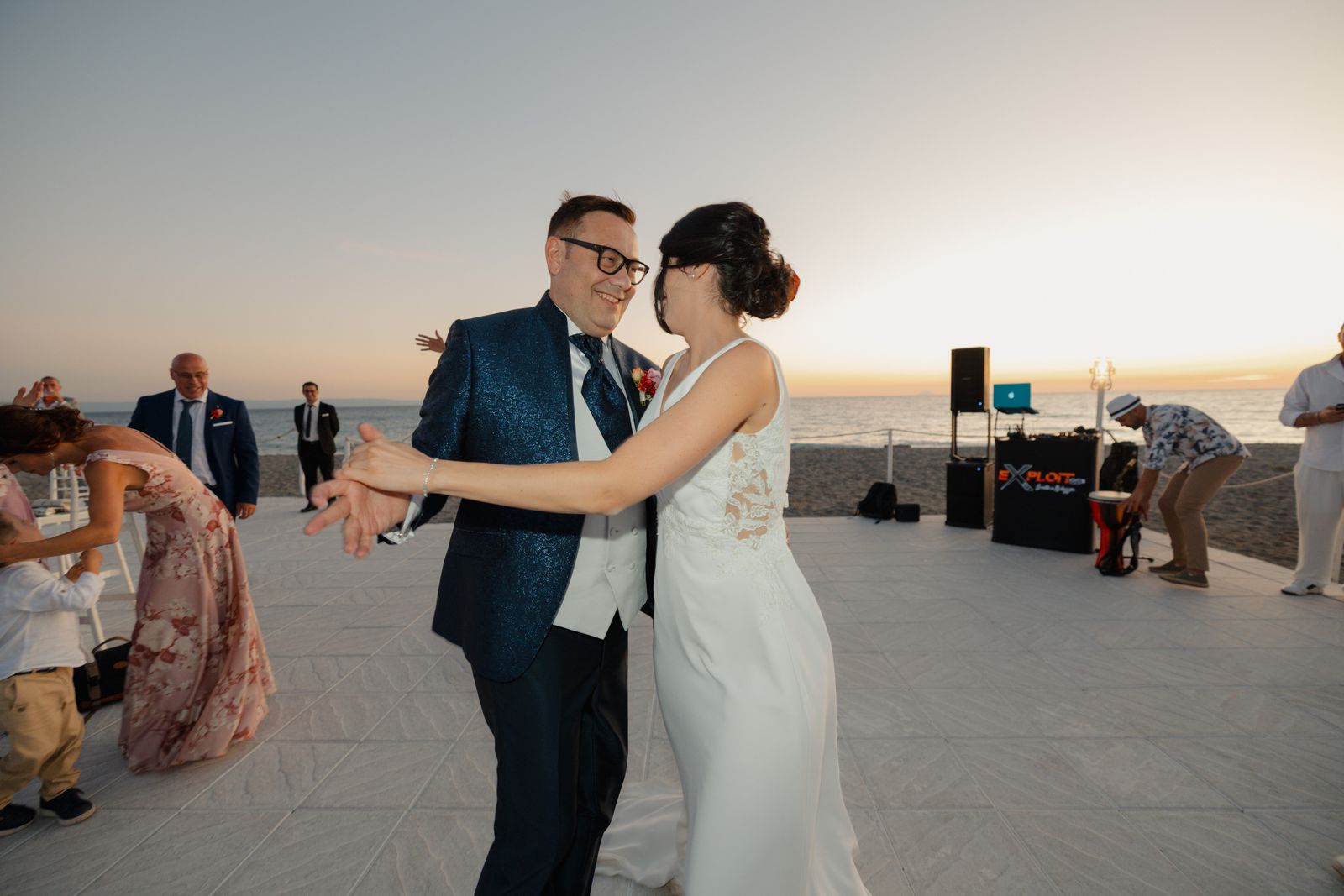
A wedding playlist that actually works isn’t the one with the most songs on it. It’s a small number of deliberate picks, timed to the shape of the evening, chosen by you rather than left open to whoever feels like adding something. Here’s how to build one, roughly how long each part needs to be, and the one decision that matters more than any individual song choice.
Curated or crowdsourced? Pick one on purpose
Letting guests add songs to a live shared playlist sounds appealing. In practice it has two real failure modes on the actual day.
The first is technical. Live collaborative tools like Spotify Jam depend on venue wifi holding up with dozens of guests connecting at once, and that’s exactly the kind of thing that quietly falls over at a wedding: patchy signal, an overloaded network, a session that drops halfway through dinner. The second is content. An open playlist has no filter. Someone’s idea of a fun addition isn’t always yours, and you don’t want to be troubleshooting either problem during your own reception.
None of this means guest input is a bad idea. It means taking it ahead of time, into a playlist you control.
The six moments your playlist actually needs to cover
Most advice treats a wedding playlist as one long list. It works better as six shorter ones, each doing a different job. The song counts below assume a four to five hour reception, which is the length most receptions run to (see the wedding reception timeline for how the blocks fit together).
| Moment | Songs | What it needs | What to avoid |
|---|---|---|---|
| Arrival / drinks reception | 20–25 | Background, low-key, conversational volume | Anything guests will stop to listen to instead of talking |
| Dinner | 25–30 | Warm but unobtrusive, steady tempo | Songs with big dynamic swings that interrupt conversation |
| First dance & family dances | 2–4 | Specific, personal, chosen deliberately | A generic “romantic songs” playlist filler |
| Opening the dance floor | 3–5 | A genuine crowd-pleaser, familiar to most ages | A deep cut nobody but you knows |
| Peak dance block | 30–40 | High energy, broadly familiar, built to fill a floor | Songs that only half the room will recognise |
| Last song | 1 | Chosen on purpose, memorable | Whatever happens to be queued next |
That comes to roughly 85 to 105 songs in total. Build in that order and the whole evening has a shape, instead of just being a long shuffled list with a vague vibe.
Dinner and the peak dance block are the two that matter. Dinner is the longest single stretch of music and the one couples pick last, in a rush. The peak block is the one people remember. Spend your time on those two and fill the drinks reception quickly.
Building it in Spotify or Apple Music, step by step
The mechanics get skipped in most guides, and they’re where the evening actually goes wrong. Six separate playlists beat one long one: on the night, whoever is running music needs to start the right block without scrolling.
- Make six playlists, not one. Name them so they sort in running order (see below). One combined list means finding the right starting point live.
- Turn shuffle off on every list except the drinks reception. You ordered these on purpose, and shuffle will put your slowest song directly after the floor fills.
- Set crossfade to about 4 seconds in the app’s playback settings. A track that ends cold leaves a silence long enough for people to leave the floor, and four seconds smooths the join without cutting off a song people are singing along to.
- Check for duplicates and for radio edits. The same song from two different albums is a common mistake in a list built over months. Check the version too: the seven-minute album cut and the three-minute single are not the same thing on a dance floor.
- Set the six lists to private or “secret” until you’re finished, then decide deliberately what you share. Your do-not-play list in particular is not something to publish.
Naming your playlists so anyone can find them at 11pm
This sounds trivial. It is the cheapest thing you can do to stop a problem on the night, because the person opening your phone at 11pm is very often not you.
Number them so they sort in order, and put the couple and date in the name so they don’t get lost among everything else on the account:
1 Smith-Okafor 12 Sep - Drinks2 Smith-Okafor 12 Sep - Dinner3 Smith-Okafor 12 Sep - First Dance4 Smith-Okafor 12 Sep - Floor Opener5 Smith-Okafor 12 Sep - Peak6 Smith-Okafor 12 Sep - Last Song
Clever names are for the playlist you share with guests afterwards, not the ones being operated under pressure. Save the memorable one for a combined “best of the night” list you publish after the wedding, alongside the photos you send guests, and leave the working six alone.
Download it. Venue wifi is not a plan
If your music is streaming live from someone’s phone, your reception depends on a mobile signal in a converted barn. Download all six playlists for offline playback on the device that will actually be used, and check they play with the device in flight mode a week before. Spotify and Apple Music both need the account to go online roughly every 30 days to keep downloads valid, so do it close to the day rather than months out.
Then put the same downloads on a second phone belonging to someone who is not you and not in the wedding party. Ten minutes, and it covers the two most common music failures at a real wedding: a flat battery, and a phone that has walked off to the bar.
Collecting requests, and the “do not play” list
The honest middle ground on requests: ask your close family and wedding party for one or two must-plays each, a few weeks out, over a message or a short form. Fold the good ones in yourself. You still get real input from the people whose taste you trust, without opening a live session to everyone at the reception. (At a milestone birthday party the calculus flips: a requested song is usually attached to a memory of the person, so ask more openly.)
The other half of that job is the list nobody writes down. Every DJ-perspective guide mentions a “do not play” list in passing and then moves on. Treat it as its own step: write down the songs you don’t want played, however nicely they’re requested, and send it to whoever’s running music. You’re allowed to be direct about this. A short, clear list saves an awkward moment far more reliably than hoping nobody asks.
What your DJ or band actually needs from you, and when
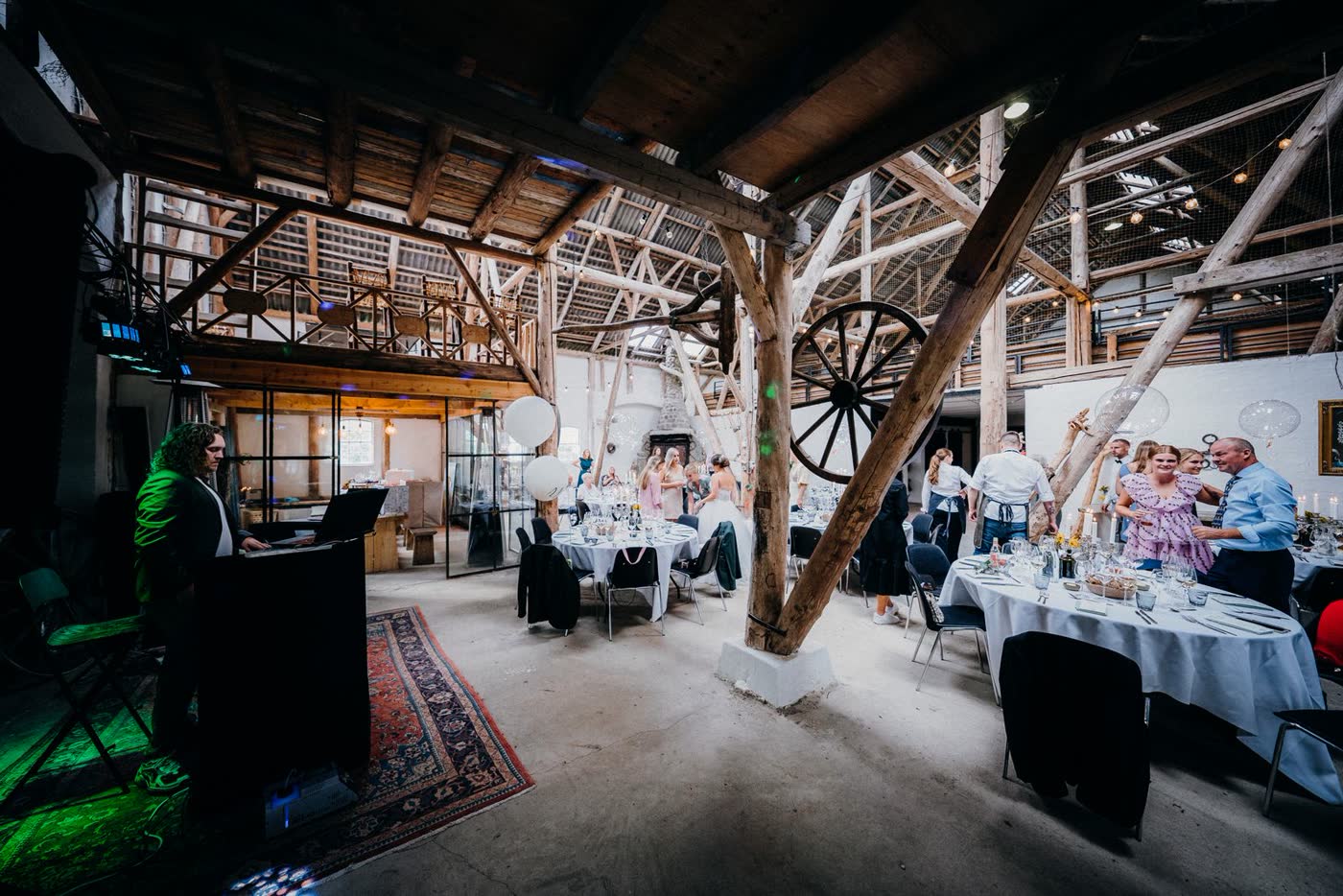
If you’ve booked someone, your playlist isn’t the deliverable. What they need is narrower, and sending it late is the usual reason a booked professional ends up guessing.
| What to send | When | Why it matters |
|---|---|---|
| First dance, plus the exact version and whether it’s cut short | 4 weeks | A band may need to learn it, or tell you they can’t |
| Floor opener and last song | 4 weeks | These two are non-negotiable picks, not suggestions |
| Do-not-play list | 3–4 weeks | Useless if it arrives on the day |
| Peak block as a shareable link, marked “direction, not a running order” | 2–3 weeks | A good DJ reads the room; hand them the taste, not the sequence |
| Timings for speeches, cake and the first dance | 2 weeks | So music stops and starts where you expect |
A band and a DJ want different things from that list. A band needs the first dance early enough to rehearse it, and an honest answer about which picks are outside what they play. A DJ mostly needs the boundaries: the songs that must happen, the ones that must not, and when the floor opens. Handing a DJ a rigid 40-song running order wastes the thing you hired them for.
Share it so guests actually see it, not scroll past it
A playlist sent once in a group chat a month before the wedding is forgotten by the day. Once you’ve built it, it needs to be visible on the day itself, sitting alongside everything else guests are already checking.
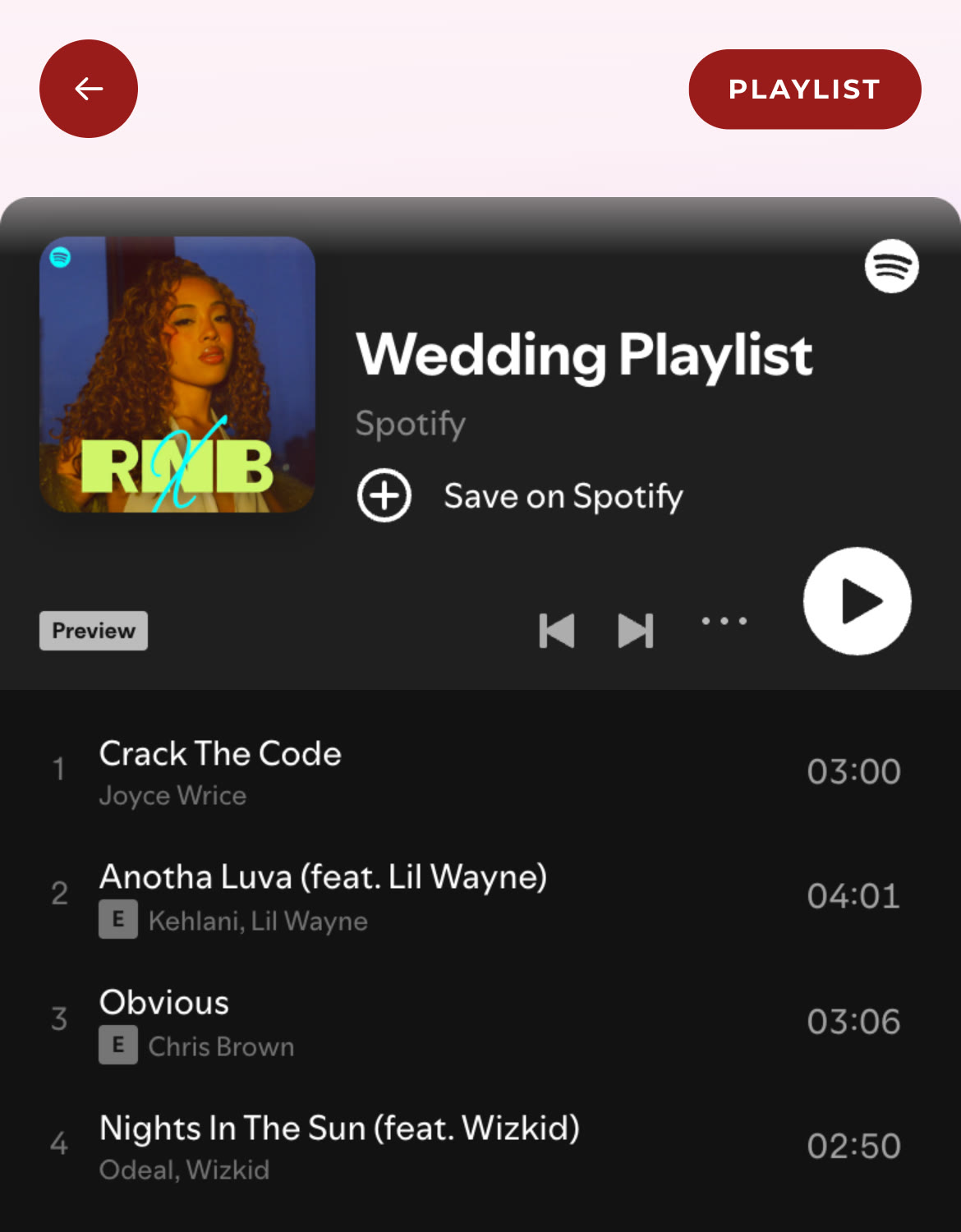
That’s what the Playlist feature on a ShareWithGuests event page is for: paste your finished Spotify playlist link in once, and it’s embedded on your event page for every guest to see and play, next to your schedule, your menu and the table each guest is sitting at, with no separate link to share and nothing to install. To be precise about what it does: guests can view and play your curated playlist, they can’t add to it themselves. That’s the point. You’ve already made the decisions that matter, this just makes sure the playlist is somewhere guests will actually find it.
Quick answers
How do I create a wedding playlist? Build six short playlists rather than one long one: drinks reception, dinner, first dance, floor opener, peak dancing, last song. Aim for 85 to 105 songs in total, then download them for offline playback.
How many songs should a wedding playlist have? Enough to cover roughly four to five hours without heavy repetition, usually 85–105 songs split across the six moments above. Dinner and peak dance time need the most.
What should I name our wedding playlists? Number them in running order and include your names and the date, so whoever opens the account at 11pm finds the right one immediately. Save the clever name for the combined list you share with guests afterwards.
Should guests be able to add songs to our wedding playlist? You can collect suggestions ahead of time from people you trust, but adding them live during the reception carries real risk: unreliable venue wifi and no content filter. Curating a playlist yourself and taking input beforehand gets you the benefit without the risk.
What if our venue has bad wifi, does that affect a shared playlist? Only if the music is streaming live. Download every playlist for offline playback and test it in flight mode beforehand, and the venue’s signal stops being part of your plan.
Can guests skip or reorder songs on a shared playlist? With a host-curated embed, no: the playlist plays as you built it. Tools that give guests skip controls bring back the same reliability and moderation questions.
The checklist
| When | What to do |
|---|---|
| 2–3 months before | Build the six-moment structure and start filling it in |
| 6 weeks before | Ask close family and wedding party for one or two must-plays each |
| 4 weeks before | Send your DJ or band the first dance, floor opener and last song |
| 2–3 weeks before | Write your “do not play” list and send it on. Share the peak block as direction |
| 1 week before | Turn shuffle off, set crossfade, check for duplicates and radio edits |
| 1 week before | Download all six lists offline, test in flight mode, copy them to a second phone |
| 1 week before | Paste the guest-facing link into your event page |
| Day of | Let it run. You already made the decisions that matter |
Get the structure right, take input early, and hand your DJ the boundaries rather than a script, and the playlist looks after itself on the day.